Make Review (2026): The Best Zapier Alternative for Scaling Automation?
Make is one of the most powerful automation platforms available today - but it’s not for everyone. This review breaks down where it excels, where it struggles, and whether it’s the right choice for your workflow.
mb-2">Make is one of the most powerful automation platforms available today - but it’s not for everyone. This review breaks down where it excels, where it struggles, and whether it’s the right choice for your workflow.
#x1F4C5; Last verified: July 2026Make is the best automation tool for scaling complex workflows at a lower cost - but it comes with a learning curve.
⚡ Quick Verdict
Make is best for teams and individuals who need flexibility, scalability, and cost efficiency in their automation workflows.
It is not the best choice for beginners who want the simplest possible setup with zero learning curve.
If your automations go beyond simple triggers and actions, Make quickly becomes the more powerful and cost-effective option compared to Zapier.
🧩 What is Make?
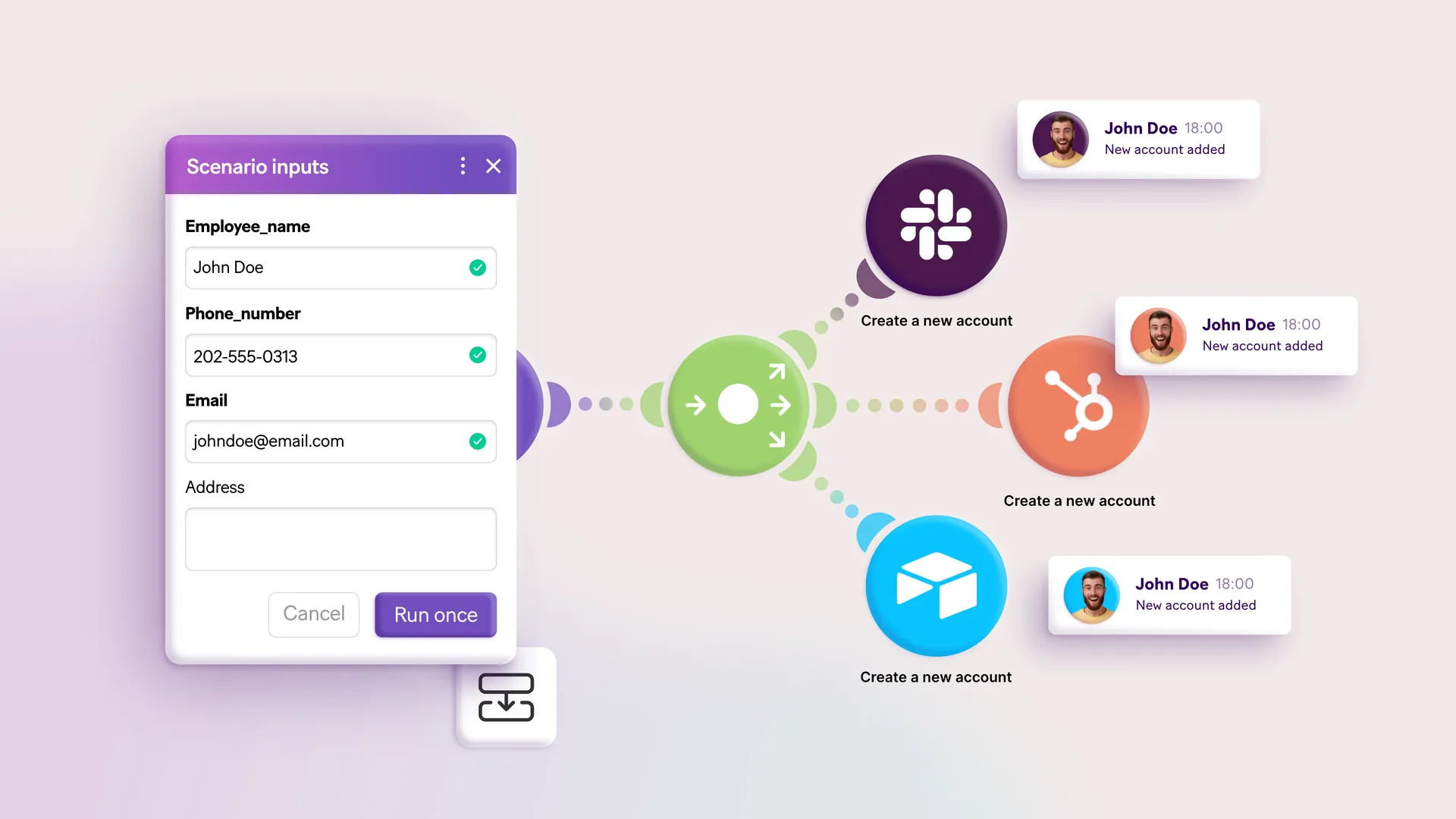
Make (formerly Integromat) is a no-code automation platform that allows you to connect apps and build workflows using a visual drag-and-drop interface.
Unlike traditional automation tools that rely on simple trigger → action logic, Make allows you to create complex, multi-step workflows with branching logic, filters, and data transformations.
It is widely used by marketers, agencies, SaaS teams, and operations teams that need more control over how their automations behave.
👤 Use Make if...
-
check_circle
You want to build complex workflows with multiple steps and logic
-
check_circle
You need flexibility beyond simple “if this → then that” automation
-
check_circle
You care about reducing automation costs at scale
-
check_circle
You are comfortable learning a slightly more advanced interface
Make is especially strong for:
🚫 Not for you if...
-
cancel
You are a complete beginner with no automation experience
-
cancel
You want the simplest possible setup with zero learning
-
cancel
You only need very basic, linear automations
-
cancel
You prefer a guided, form-based interface
In these cases, Zapier is usually the better starting point.
🔧 Key Features (What Actually Matters)
Visual workflow builder
Make uses a canvas-based interface where you can see your entire automation visually. This makes it much easier to debug and understand complex workflows.
Branching logic
You can create multiple paths within a single automation, allowing workflows to behave differently based on conditions.
Data transformation
Make allows you to manipulate and structure data inside workflows, something that is very limited in simpler tools.
Scheduling flexibility
Automations can run instantly, on intervals, or based on advanced scheduling rules.
Integration ecosystem
Make supports 1,600+ apps, covering most major tools used by businesses.
🧠 Real-World Use Cases
Marketing automation
Lead routing, email flows, CRM syncing, campaign triggers
Ecommerce workflows
Order processing, inventory updates, customer segmentation
Agency operations
Client reporting, onboarding workflows, cross-platform automation
Data workflows
Moving, transforming, and syncing data between systems
💰 Pricing: Where Make Really Wins
Make uses an operation-based pricing model. Each action inside a workflow counts as an operation.
Because operations are cheaper than Zapier's tasks, Make becomes significantly more cost-efficient as workflows grow.
At small scale, the difference is minor. At larger scale, Make can be dramatically cheaper. This is one of the main reasons businesses switch from Zapier to Make.
thumb_up Pros
-
+
Much cheaper than Zapier at scale
-
+
Extremely flexible workflow logic
-
+
Visual interface improves clarity
-
+
Strong for complex automations
thumb_down Cons
-
−
Steeper learning curve
-
−
Slower initial setup compared to Zapier
-
−
Smaller integration library than Zapier
⚖️ Make vs Alternatives
Make vs Zapier
Zapier is easier to use, but Make is more powerful and cheaper at scale.
Read Comparison arrow_forwardMake vs n8n
n8n offers even more flexibility (especially for developers), but Make is easier to adopt.
Read Comparison arrow_forwardMake vs Pabbly
Pabbly is cheaper and simpler, but much less powerful.
See Alternatives arrow_forward🏁 Final Verdict
Make is the best choice for anyone who plans to scale their automation beyond simple workflows.
It is not the easiest tool - but it is one of the most powerful and cost-efficient.
If you are serious about automation, Make is the better long-term investment.